You open your inbox. Thirty-two support emails.
You click the first one, flip to Stripe, search the customer’s email, check their subscription, copy the plan name, switch back, draft a reply, return to Stripe to issue a refund, then send.
One ticket. Seven minutes.
Multiply that across 50 tickets a week and you’ve lost 5+ hours to support admin. That’s time not spent on product, marketing, or anything that actually moves the needle.
The AI customer support market is projected to hit $15.12 billion in 2026. But most tools in that market were designed for enterprise teams with dedicated support staff, not for a two-person SaaS operation where the founder is also the support agent.
This article covers the best AI support inbox tools for small teams, what each one does well, where it falls short, and which one fits your situation.
Why Small Teams Need a Different Kind of Support Inbox
Most helpdesks are built for scale. They assume multiple agents, a knowledge base, a chat widget, and at least one person whose full-time job is managing the queue.
If you’re a solo founder or a team of two to five, none of that applies. You have a Gmail inbox, a Stripe dashboard, a GitHub repo, and a Slack channel.
You’re handling support between shipping features. You don’t have time to waste on setup.
The problems that come up most for small teams are:
- Tab switching. Resolving one ticket means opening four tabs. Every single time.
- No custom-domain email without a Workspace subscription. Paying $6 to $18 per user per month just for support@yourcompany.com adds up fast.
- Per-seat pricing built for bigger teams. Zendesk and Intercom price for teams of 10+. A two-person team pays for seats they’ll never use.
- Setup overhead. Most AI support tools need days of configuration before they’re actually useful.
The right AI support inbox solves these problems directly. It doesn’t create new ones.
What to Look for in an AI Support Inbox
Before comparing tools, here’s what actually matters for small teams:
- Email-first, not chat-first. Most of your customers email you. A tool built around chat widgets doesn’t fit that workflow.
- Integration depth. The inbox should pull data from Stripe, GitHub, or whatever tools you already use — not make you copy-paste customer details from another tab.
- Human control. AI drafts are useful. AI acting on its own is a liability. Look for tools where you approve before anything sends or executes.
- Setup speed. If it takes a week to configure, it wasn’t built for small teams.
- Pricing that fits your stage. Per-seat pricing at $55 to $169 per agent per month is a heavy commitment when you’re between $1K and $50K MRR.
The Best AI Support Inbox Tools for Small Teams
Zipitly (PRE-LAUNCH)
Best for indie founders and small SaaS teams handling support via email.
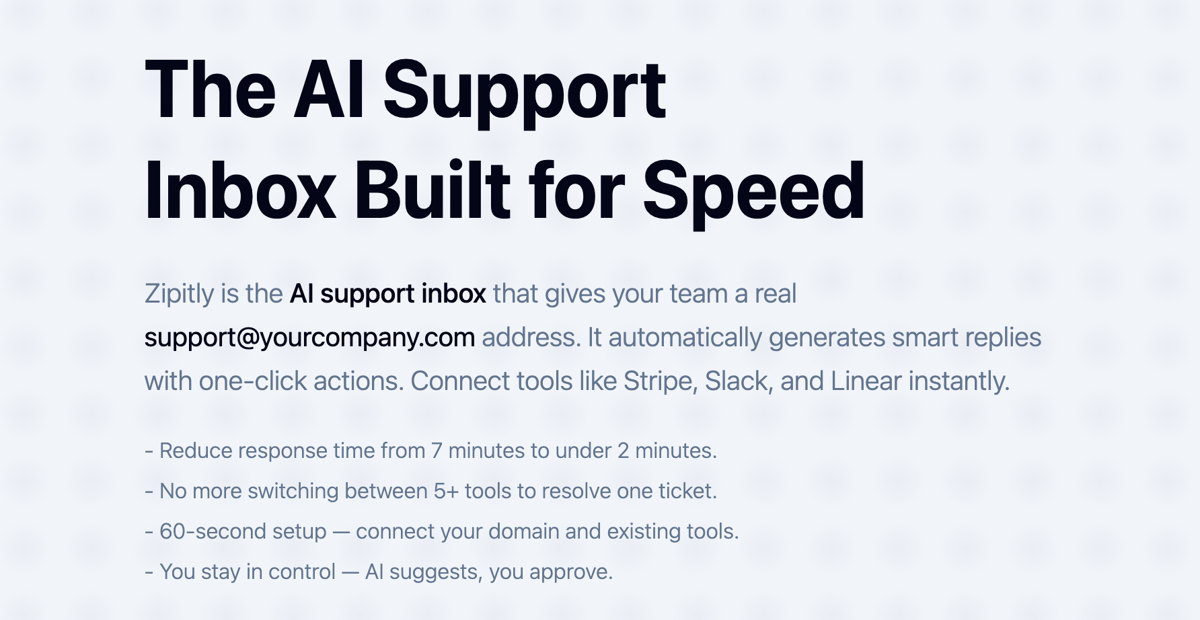
Zipitly is an AI support inbox built specifically for small teams. It gives you a real support@yourcompany.com address, no Google Workspace subscription required.
Add one DNS TXT record and you’re live in under 60 seconds.
The workflow is straightforward. An email arrives. Zipitly reads it, detects intent, pulls the customer’s data from your connected tools (Stripe, Lemon Squeezy, Paddle, GitHub, Slack), drafts a reply, and surfaces one-click actions for refunds, pauses, cancellations, or credits.
You review the suggestion and click Approve. Nothing sends or executes without your explicit confirmation. That’s the core framing: AI suggests, you approve. Every time.
Response time drops from roughly 7 minutes per ticket to under 2 minutes. For a team handling 50 tickets a week, that’s about 4 hours back.
Launch integrations include Stripe, Lemon Squeezy, Paddle, Intercom, Zendesk, GitHub, and Slack. The action engine is pluggable, so any tool with a REST API can be added.
No per-seat pricing. No Workspace subscription. No knowledge base, chat widget, or CRM to configure before you can do anything useful.
Zipitly is pre-launch and waitlist-only. Join the waitlist to be first in line when it launches.
What it doesn’t do
It’s not a full helpdesk. No chat widget, no ticket routing for large teams, no built-in knowledge base. That’s by design.
It’s the AI layer that lives inside the email your customers are already sending you.
Freshdesk

Best for teams that want a free starting point with room to grow.
Freshdesk has a free tier that covers basic ticketing, with paid plans running up to $79 per agent per month.
The AI features, branded as Freddy AI, are available on higher tiers and handle ticket categorization and suggested replies reasonably well.
For a small team, the free plan is genuinely useful for basic queue management. The paid AI features are solid but require real configuration time. Getting automation rules working correctly takes hours, not minutes.
Per-agent pricing stays manageable for a two-person team. At five people, it starts to add up.
Where it falls short for small teams
Freddy AI doesn’t pull data from Stripe automatically. You’re still switching tabs to look up customer details. Meaningful automation takes days to configure, not an afternoon.
Intercom
Best for teams that want a full customer messaging platform.
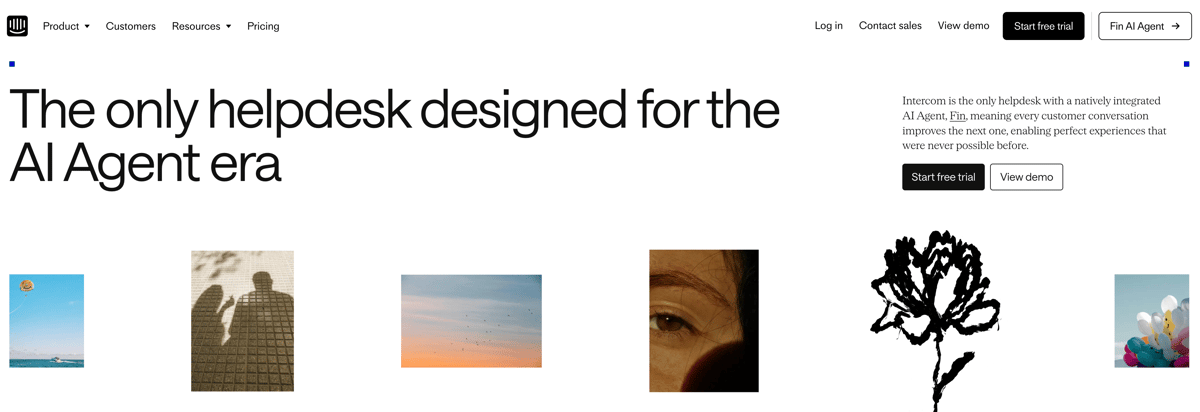
Intercom is a mature, feature-rich platform covering live chat, email, in-app messaging, and AI-assisted support. Its AI bot, Fin, can resolve a solid percentage of common questions without human involvement.
The issue for small teams is cost and complexity.
Intercom is enterprise-focused and chat-first. Pricing isn’t transparent for smaller plans, and the full feature set assumes a dedicated support team behind it.
If your customers primarily reach you through a chat widget on your site, Intercom makes sense. If they email you, it’s more tool than you need.
Where it falls short for small teams
Expensive for solo founders or two-person teams.
The chat-first architecture doesn’t fit email-heavy workflows. Getting real value from the AI features requires significant setup time.
Zendesk
Best for teams that need a full-scale helpdesk with reporting.
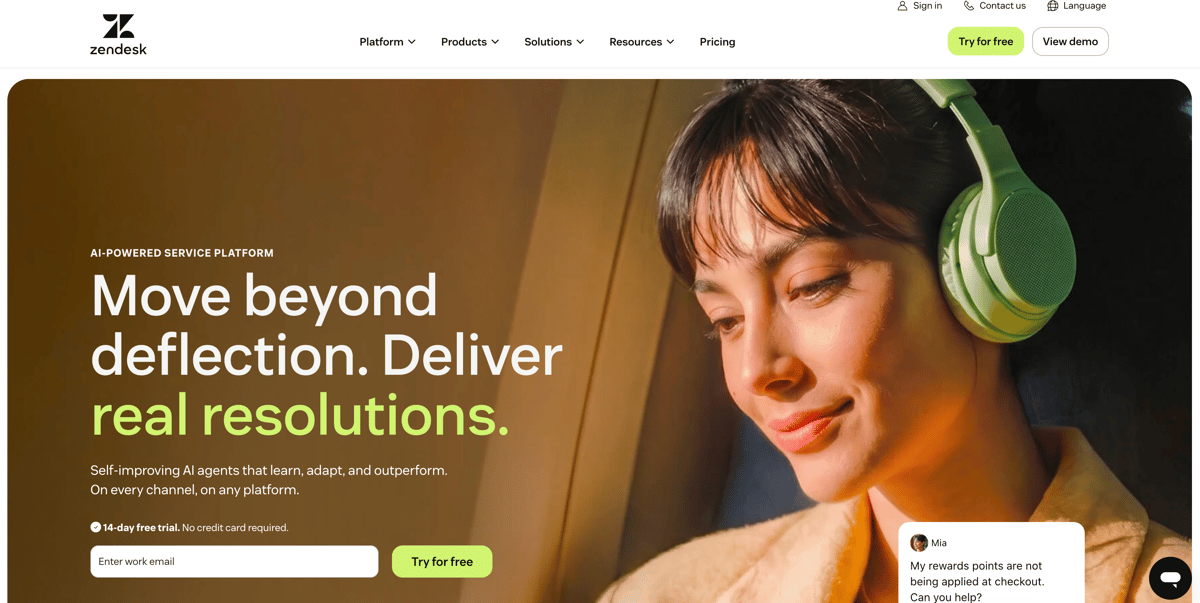
Zendesk is the established enterprise helpdesk. Plans run $19 to $169 per agent per month, with a $50 AI add-on on top.
It handles ticket routing, macros, SLAs, reporting, and integrations at scale.
For a 20-person support team, Zendesk is a reasonable choice. For a two-person SaaS team, it’s a lot of overhead.
The AI add-on improves reply suggestions, but still requires manual customer data lookup from external tools.
Where it falls short for small teams
Per-agent pricing adds up fast.
The AI features don’t pull from Stripe or GitHub automatically. Configuration takes days. It’s built for teams that have already outgrown everything else.
Pylon
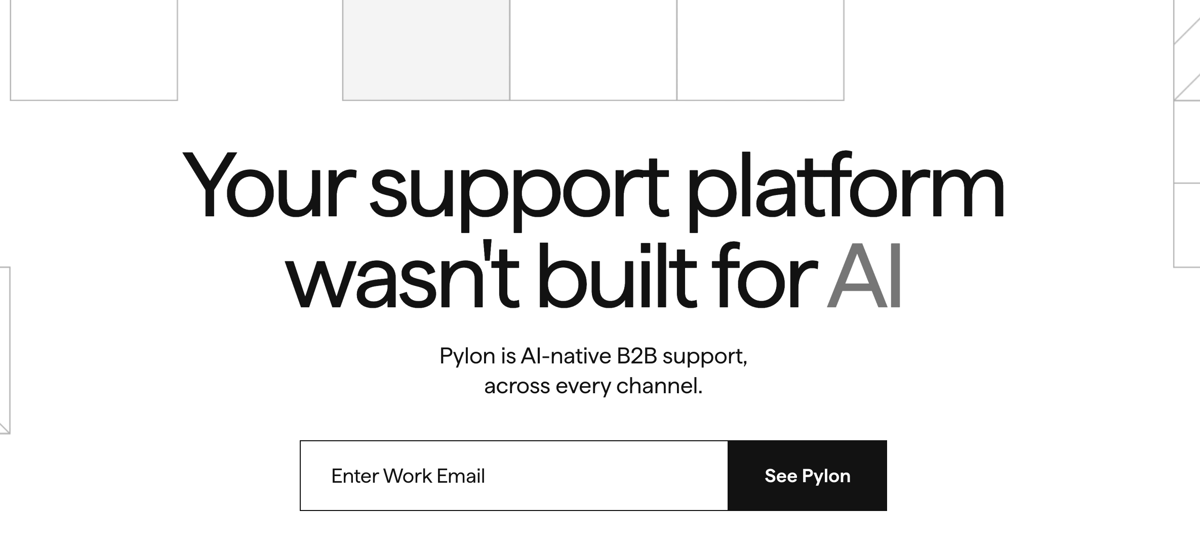
Best for mid-market B2B teams running support through Slack or Teams.
Pylon is an AI-native support tool designed for B2B companies managing customer conversations through Slack Connect or Microsoft Teams. For that specific use case, it’s well-built.
Pricing runs $59 to $139 per seat per month, plus AI add-ons.
A 10-person team on Pylon pays over $1,390 annually before AI features are included. That’s a real budget commitment.
Where it falls short for small teams
The pricing model assumes mid-market budgets.
Email-first workflows aren’t the primary focus. If you’re handling support through a standard inbox rather than Slack channels, you won’t get full value from the architecture.
Robylon
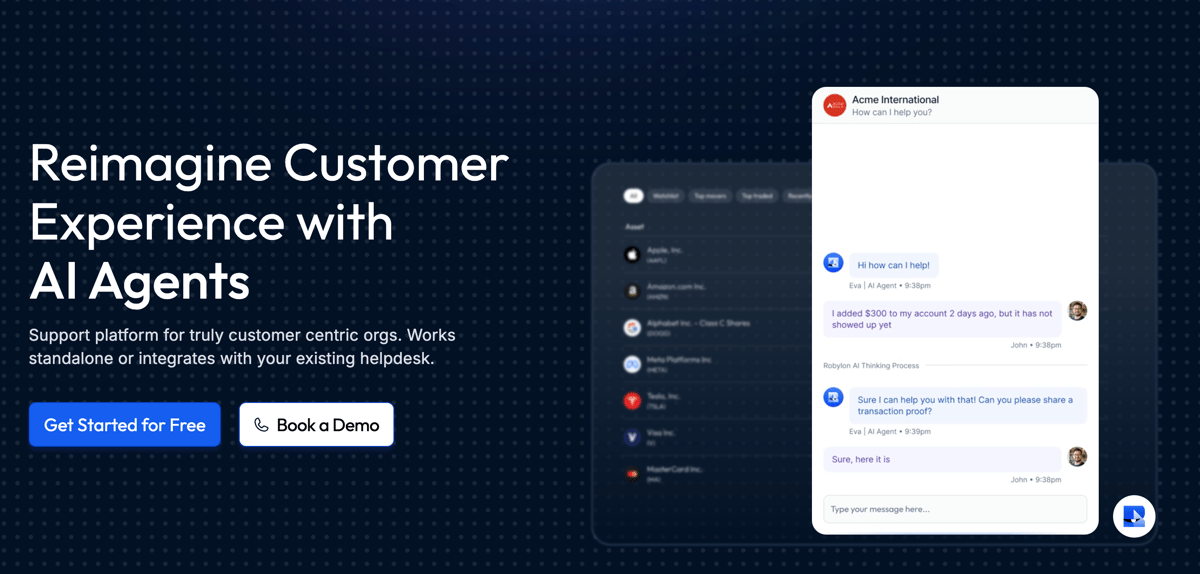
Best for teams that want end-to-end automated ticket resolution.
Robylon offers AI-driven ticket resolution at $25 per month on its Pro plan. The approach leans more autonomous than most tools here.
The trade-off: the Pro plan caps at 67 chats per month, and the focus is chat rather than email.
For a small team with low chat volume, the price point is attractive. For teams handling 100+ email tickets per week, the cap and the chat-first design are real constraints.
Where it falls short for small teams
Email isn’t the primary channel.
The monthly chat cap limits usefulness as volume grows. Integration depth with payment tools is thinner than email-native options.
IrisAgent
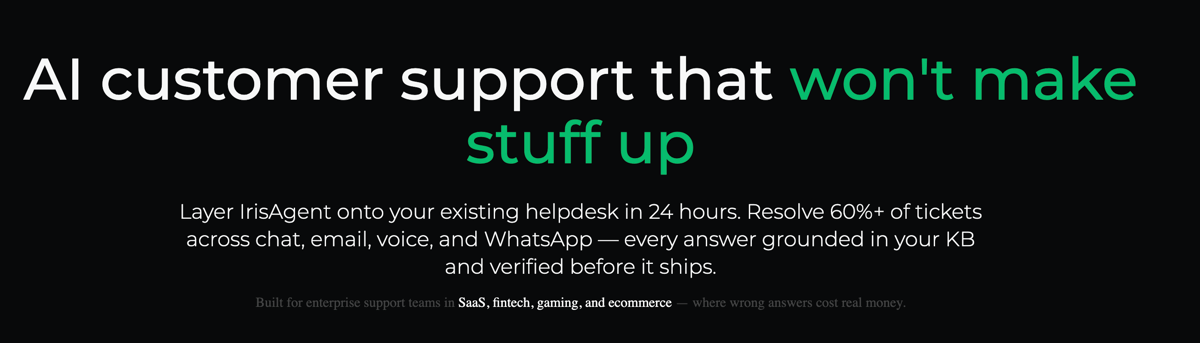
Best for technically comfortable teams that want AI ticket tagging and routing.
IrisAgent offers a free tier and focuses on AI-powered ticket tagging, routing, and agent suggestions. It integrates with Zendesk and Jira, making it useful as a layer on top of an existing helpdesk.
The free tier is a genuine entry point. Standard pricing is less transparent, and setup requires more technical work than most small teams want to deal with.
Where it falls short for small teams
It’s a layer on top of another tool, not a standalone inbox.
Setup complexity is higher than most alternatives. Best suited for teams already running Zendesk or something similar.
Side-by-Side Comparison
| Tool | Best For | Pricing Model | Email-First | Setup Time | Stripe/GitHub Integration |
|---|---|---|---|---|---|
| Zipitly | Indie founders, small SaaS teams | Pre-launch, no per-seat | Yes | Under 60 seconds | Yes, automatic data pull |
| Freshdesk | Teams wanting a free starting point | Free to $79/agent/month | Yes | Hours to days | Limited |
| Intercom | Full customer messaging platform | Enterprise pricing | Chat-first | Days | Limited |
| Zendesk | Large teams needing full helpdesk | $19–$169/agent/month + $50 AI add-on | Yes | Days | Limited |
| Pylon | Mid-market B2B via Slack/Teams | $59–$139/seat/month | No (Slack-first) | Days | No |
| Robylon | Automated chat resolution | $25/month (67 chat cap) | No (chat-first) | Hours | Limited |
| IrisAgent | AI layer on existing helpdesk | Free tier, opaque standard pricing | No (layer tool) | Days | No |
Which Tool Is Right for Your Team?
For a solo founder or a team of two to five handling email support, the decision usually comes down to one question: do you want a full helpdesk, or an AI inbox that fits the tools you already use?
Full helpdesks like Zendesk and Intercom make sense when you have a dedicated support team, need SLA tracking, or run chat as your primary support channel.
At that stage, per-seat pricing is easier to justify.
For everyone else: the founder answering support between feature releases, the two-person team where one person handles everything, a lighter tool that connects to Stripe, reads the email, drafts the reply, and lets you approve in under 2 minutes is a better fit.
That’s what Zipitly is built for.
No Workspace subscription. No per-seat fees. No week-long setup. AI suggests, you approve, and you move on.
It’s pre-launch and waitlist-only right now. If that workflow sounds right for your team, you can get early access at zipitly.com.